TAKE COMMAND OF YOUR LIGHTING WITH CASAMBI
Take control of your lighting with Casambi and Hide‑a‑Lite! Casambi revolutionizes how lighting is controlled.
With wireless control via smartphone or other devices, you gain full freedom to tailor the light to your needs. Create custom light scenes, dim, and adjust color temperatures—everything at your fingertips through the app. Casambi makes it easy to modernize lighting with smart technology that saves energy and enhances the user experience.

App Download: App Store or Google Play

NEWS - CASAMBI
– for flexible and simple lighting control.


TAKE CONTROL WITH CASAMBI
By using products from our Casambi range, such as sensors, luminaires, and controllers, you can create a complete and efficient lighting solution that meets all your needs.
Whether you’re working with recessed downlights, LED strips, or DALI luminaires, you can control all lighting wirelessly and adapt it to your needs.
The Casambi control system offers easy installation and wireless communication, making both installation and operation smoother. You avoid extensive cabling and complicated programming, saving both time and money. Casambi lets you build a lighting system that can easily grow and evolve over time.
Experience how Casambi, together with Hide‑a‑Lite’s innovative lighting solutions, elevates your projects with a new level of control and efficiency—without compromising usability or performance.


CASAMBI-READY FROM HIDE-A-LITE
When you combine the Casambi system with our fixtures and accessories,
you get a powerful yet easy-to-use solution.
Here are some examples:
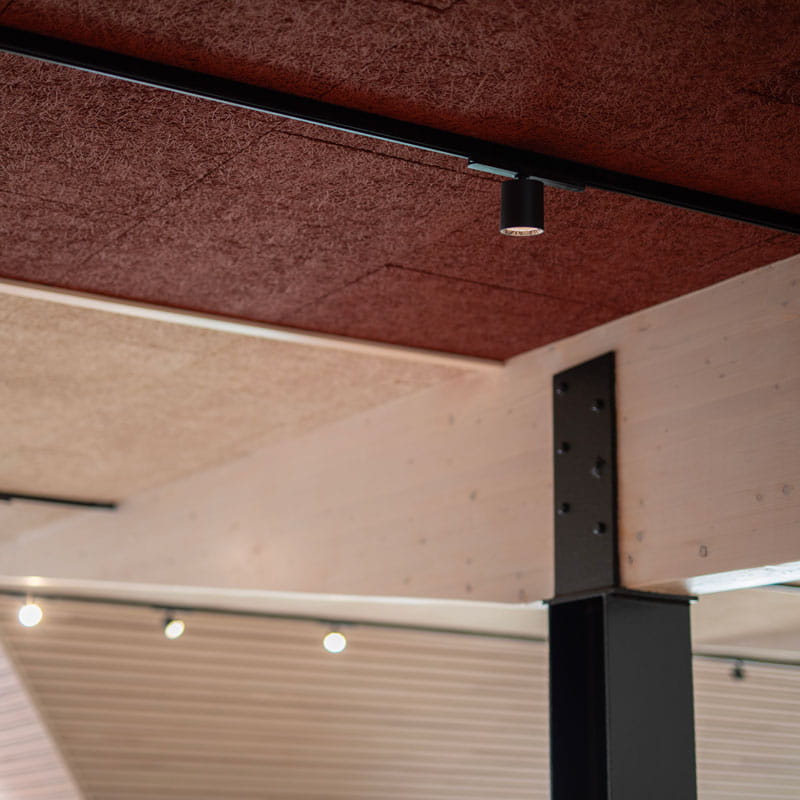
Dimmable Products:
Connect our dimmable products, such as downlights and spotlights, to a Casambi dimmer and get complete control over the light intensity via your mobile. Create and adjust light scenes easily for various needs – from task lighting to ambient lighting.
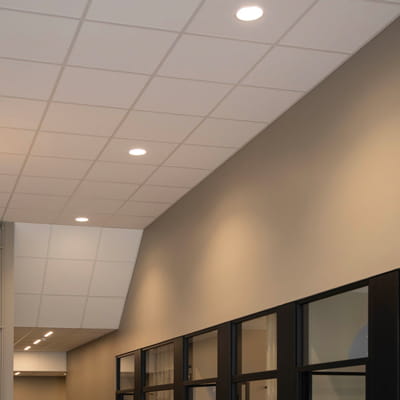
DALI Products:
¨For larger lighting solutions, our DALI products make the combination with Casambi a clear choice. A2D converts Casambi to DALI signals, and with ASD, you can integrate Casambi luminaires into your DALI system
Together, they integrate older systems with Casambi for wireless lighting control.
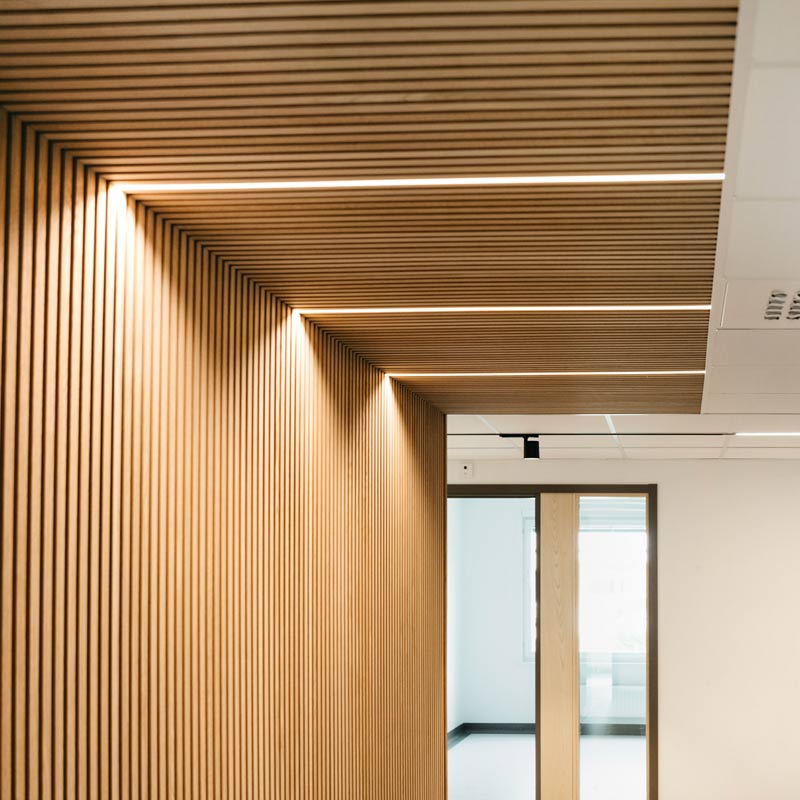
LED Strip:
Want to control your LED strip via DALI? Simply connect an A2D or ASD via a DALI bus. Control single-color to RGB LED strips—with ease.
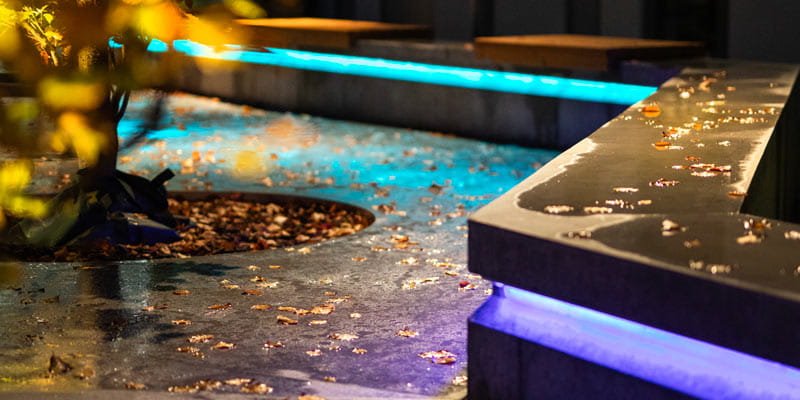
RGB-Controlled Products:
Whether for general or accent lighting, PWM4 makes it easy to adjust brightness and create custom scenes. The unit supports anything from single-channel single-color to multi-channel RGB LED strips—maximum flexibility.

0/1–10 V Products:
With A2D and ASD, you can control our 0/1–10 V drivers. A2D supports 0–10 V over two channels, while ASD supports both 0–10 V and 1–10 V over one channel.With A2D and ASD, you can control our 0/1–10 V drivers. A2D supports 0–10 V over two channels, while ASD supports both 0–10 V and 1–10 V over one channel.
Q-Box Multi
-
A new, easy-to-install Q‑Box for smart Casambi devices
-
Wirelessly controls your fixtures through a simple app
-
Passes through both power supply and lighting control
-
Control options: On/Off, phase dimming, DALI, 0/1–10 V, LED strip single color, TW, RGB, and RGBW



ADVANTAGES OF CASAMBI VS. DALI

Wireless Technology:
Casambi uses wireless mesh tech, minimizing cabling and making installation quick and easy. DALI requires physical wiring, which can be time-consuming and costly.

Easy Installation:
Casambi is simple to install and scalable: add or remove units without redoing the entire system. DALI demands more technical skill and heavy cabling.

User-Friendliness:
Casambi offers an app for smooth lighting control via mobile app or tablet. DALI often requires dedicated control panels and is not as flexible for the user.

Compatibility with Older Systems:
Casambi can easily be integrated with older lighting systems by combining it with DALI. However, DALI has more limitations when it comes to integration with older systems.

Automation and Sensors:
Casambi supports automation and sensors to adjust lighting based on movement or surrounding light conditions. DALI offers the same functions, but often with more complex programming and cabling.
| Function | Casambi (Wireless) | DALI (Wired) |
|---|---|---|
| Installation | Easy, wireless installation with minimal cabling | Requires additional cabling for the DALI bus |
| Flexibility | Easy to expand and modify without new cables | Can be difficult and complex to make changes afterwards |
| Control | Via mobile app, mesh technology, sensors, and scenes | Via DALI controllers and central control. Requires a DALI technician |
| Cost | Lower installation cost (can reuse existing cabling) | Higher installation cost due to extra cabling |
| Maintenance | Easy updates via app, no physical rewiring required | Requires technical expertise for changes or troubleshooting |
| Energy Saving | Advanced dimming, motion sensors, and scenes | Advanced dimming, motion sensors, and scenes |
| Scalability | Easy to add new fixtures without cabling | Requires planning for future expansion |
Full Control Over Your Lighting

The Casambi converter makes it easy to connect your luminaires to a Casambi network—just plug in, pair, and control the lighting wirelessly in the app. With DIP-Switch Power, you can easily configure the driver to match your luminaire, adjust the output current (mA), and get the right power on site without changing models.
Available in three models—10, 22, and 40 W—with DIP-power for adjustable output current.

Jolly Maxi is our LED converter that gives you full control over your lighting. With a simple setting, it can customize lighting scenes and drive most types of constant current DC LED light sources, from 350 mA to 1050 mA, with dimming from 0–100%.
- Now with Casambi – control your fixtures wirelessly via a simple app
- Control our constant current fixtures Thin G2, Core Smart and the 12-series (350–1050 mA)
- Smart memory function in case of power failure
Read more about the product here!
Casambi devices retain their settings even during a power outage. When power is restored, the devices resume with the same configuration as before, ensuring a seamless return to normal operation.
Yes, one of the key advantages of Casambi is its scalable architecture. You can start with a small system and easily expand by adding more devices as your needs grow.
Casambi is designed to handle a large number of devices. For most installations, the limitations are rarely an issue. The system’s flexible structure allows the network to be adapted to everything from small spaces to large commercial installations.
Many leading luminaire manufacturers, both in commercial and residential lighting, have integrated Casambi compatibility into their products. This ensures that you can choose from a wide range of design options without compromising the functionality of the control system.
Casambi has a strong global network of authorised partners and installers. In addition, Casambi provides comprehensive direct support, ensuring you receive professional assistance quickly if any issues arise. (Refer to internal procedures first, contact Technical Support and Product Department.)